Start in about 2 minutes. No app store, no account.
Kaban runs in your phone's browser and opens like an app from your home screen. Your money data stays on your phone.
What you'll need
- A phone or computer with a browser (iPhone, Android, Mac or Windows).
- Your balances: cash, GCash or Maya, and your bank accounts. Best guesses are fine.
- About 2 minutes.
No sign-up, no password. Kaban Lite is free until December 31, 2026.
Open Kaban
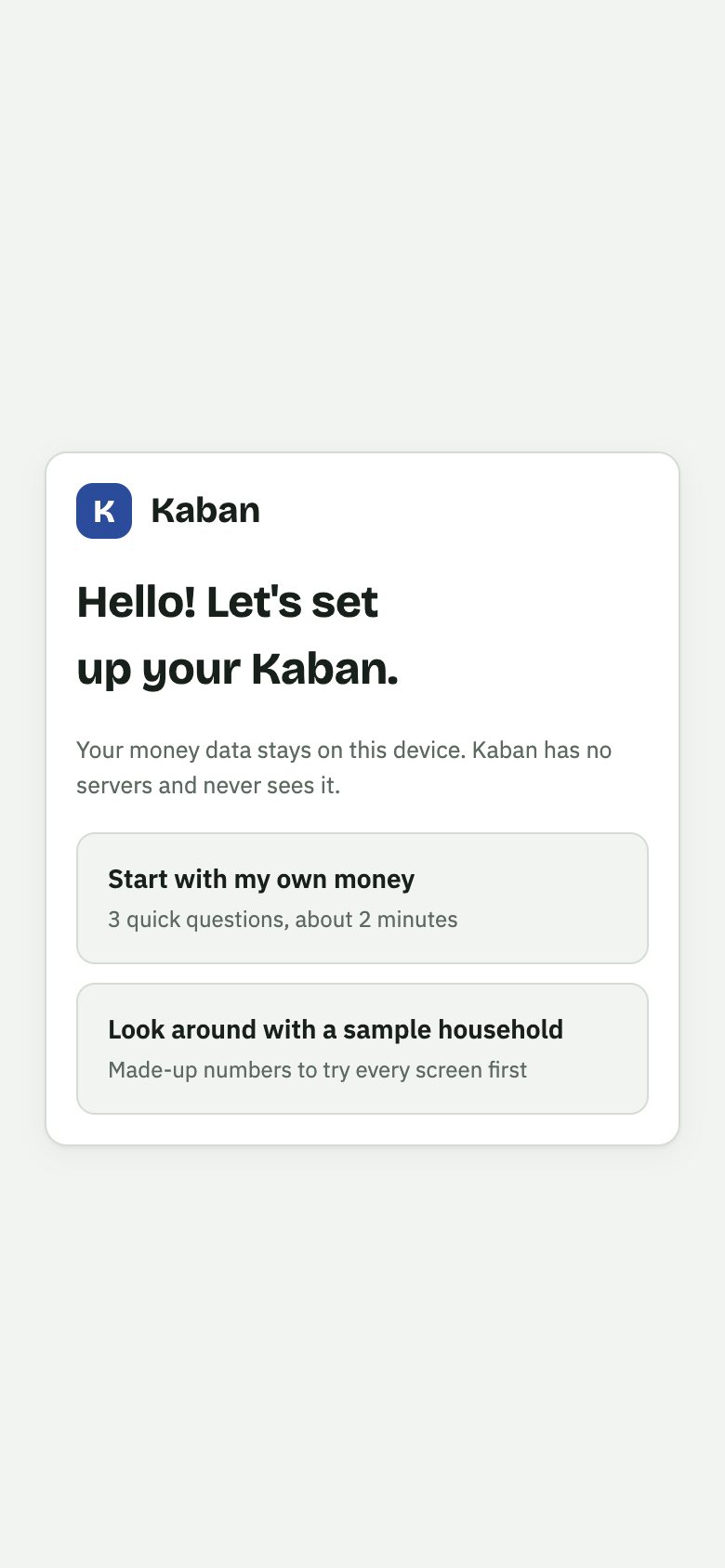
Go to kabanapp.ph/app and pick Start with my own money. Or look around first with a sample household full of made-up numbers.
Add it to your home screen
One tap from your browser's menu, and Kaban gets its own icon. It opens full screen and works even without internet.
iPhone: Share › Add to Home Screen
Android: ⋮ › Install app
Computer: the install icon in the address bar, or a bookmark
Answer 3 questions
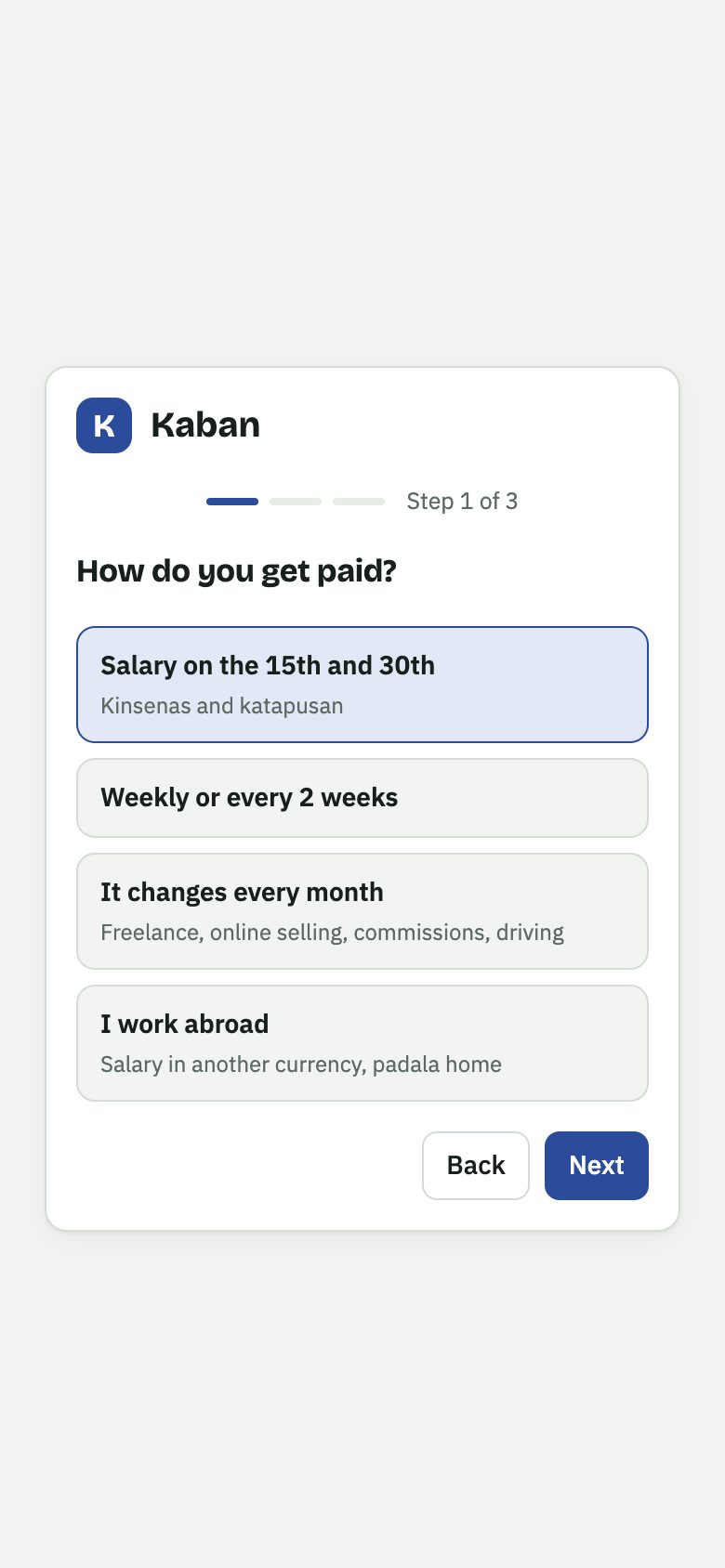
How you get paid (kinsenas-katapusan, weekly, irregular or abroad), where your money is, and a PIN if you want one. Then Kaban plans every sweldo with you.
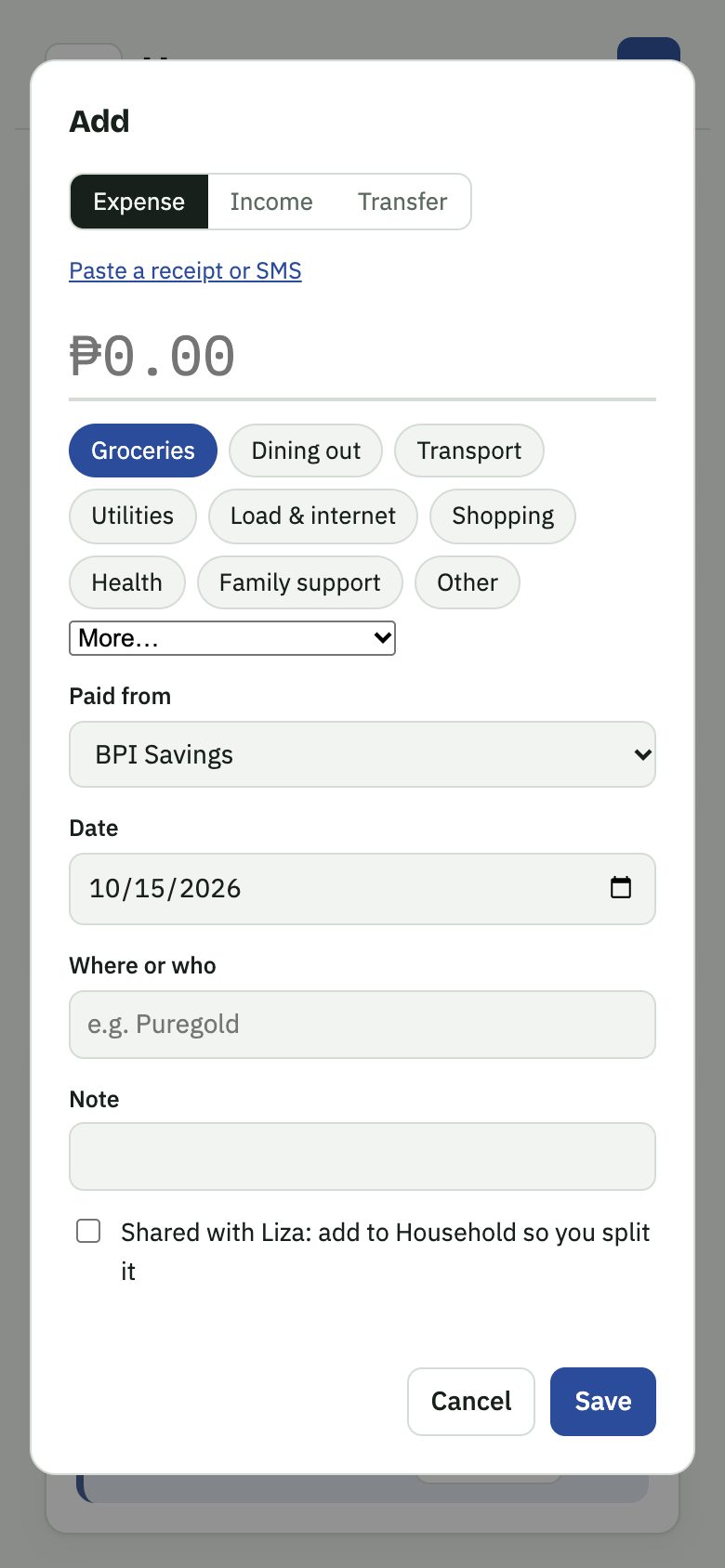
Then, every day takes seconds
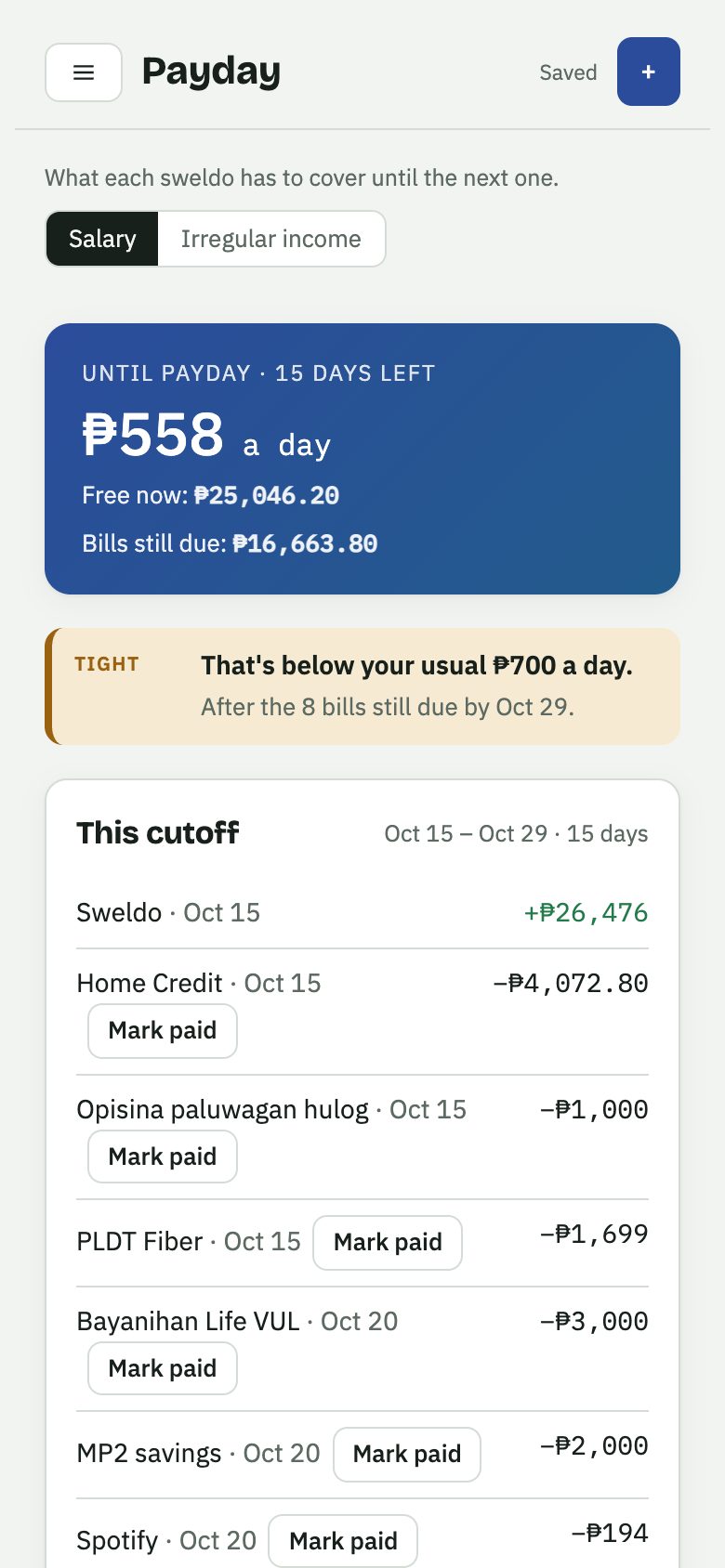
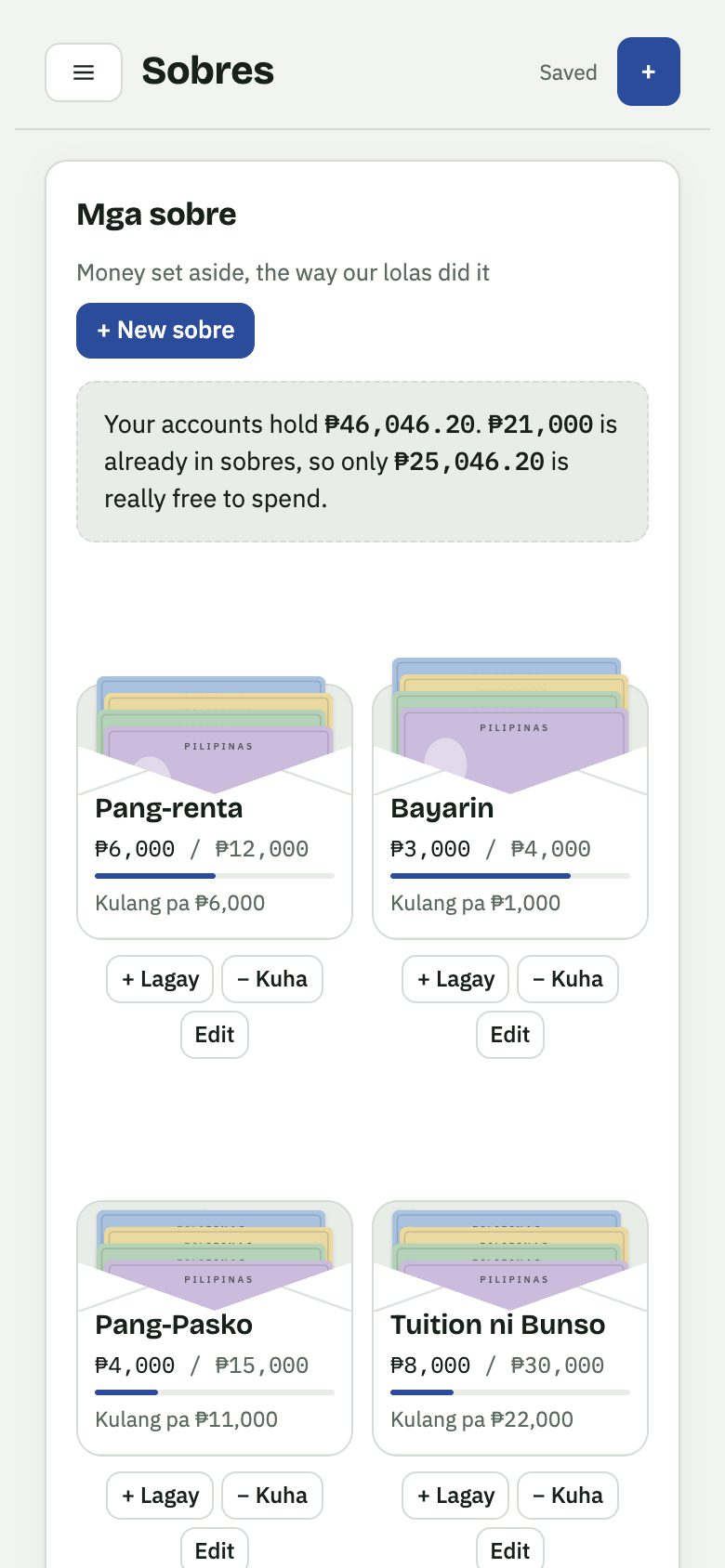
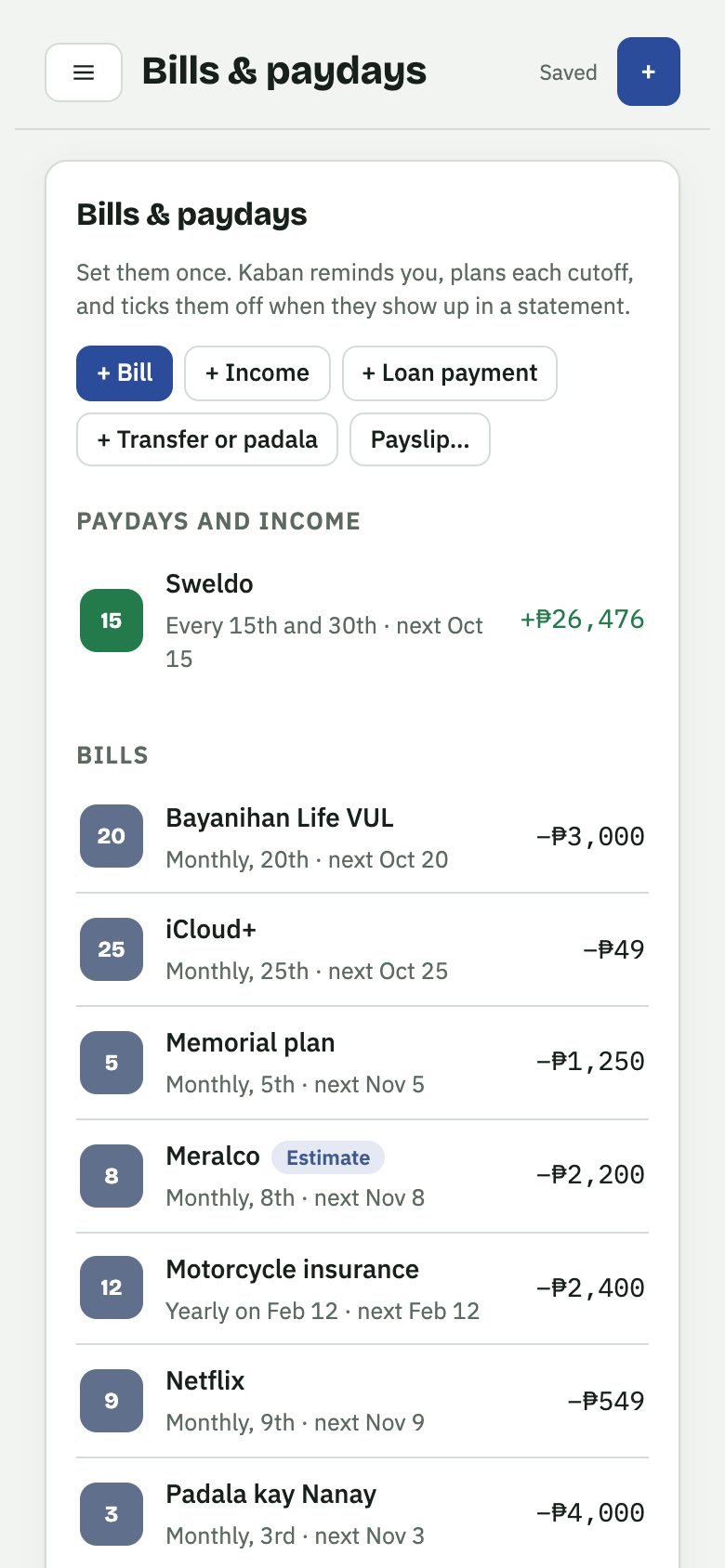
One phone, or phone and laptop?
Most people only need this. Make a backup every week or sweldo and you're set.
Pro syncs your devices through a Google Sheet in your own Google Drive, never through us. Buyers get a step-by-step guide with pictures.
Is my data safe?
Your data is saved on your device, and with a PIN it's locked. Kaban has no accounts and no servers that hold your finances, so nobody, including us, can see your numbers. That also means only your backup can bring data back, so Kaban reminds you to make one.
Kaban Lite is free for everyone until December 31, 2026. After you buy a plan, you get the full setup guide for every screen.